
HTTP Cookie
A small text file stored in your browser. It's not a program and cannot read files on your computer. Think of it as a short-term memory for our site.
We believe transparency builds trust. This policy outlines exactly how Ultra4K Downloader uses cookies to enhance your experience while respecting your privacy.
Ultra4K Downloader employs a limited set of technical cookies solely to ensure our download tool functions reliably and to remember your preferences, such as your chosen video format.
We do not use cookies for tracking across other websites, personal profiling, or intrusive advertising. Our approach is utility-first: if a cookie doesn't help you download faster or manage settings, it isn't used.
You maintain full control. Our global cookie consent banner, managed by our dedicated plugin, lets you adjust preferences at any time without affecting core functionality.
Plain-language definitions for the technical terms we use.
A small text file stored in your browser. It's not a program and cannot read files on your computer. Think of it as a short-term memory for our site.
A temporary cookie that expires when you close your browser. We use it to keep your download queue active during a single visit.
Remains on your device for a set period. We use this sparingly for things like remembering your preferred video quality setting.
Set directly by our domain (ultra4kdownloader.world). We only use these for essential site functions and security.
Set by a domain other than ours. We use these minimally for functionality (e.g., embedded content), not for tracking.
Your explicit permission to store cookies. Our system treats your choice as a binding instruction—no cookies work without your okay, except for strictly necessary ones.
Our cookie usage is categorized by purpose. Each serves a specific, technical function tied directly to delivering the download tool.
Essential for security, network management, and accessibility. Example: CSRF tokens to prevent unauthorized form submissions. These are always active.
Remembers your settings. Example: Your preferred video download format (MP4, WebM) and quality (1080p, 4K). Expires after 30 days.
Anonymous, aggregated data. Example: Counting how many users complete a download from YouTube vs. Vimeo. No personal data is collected.
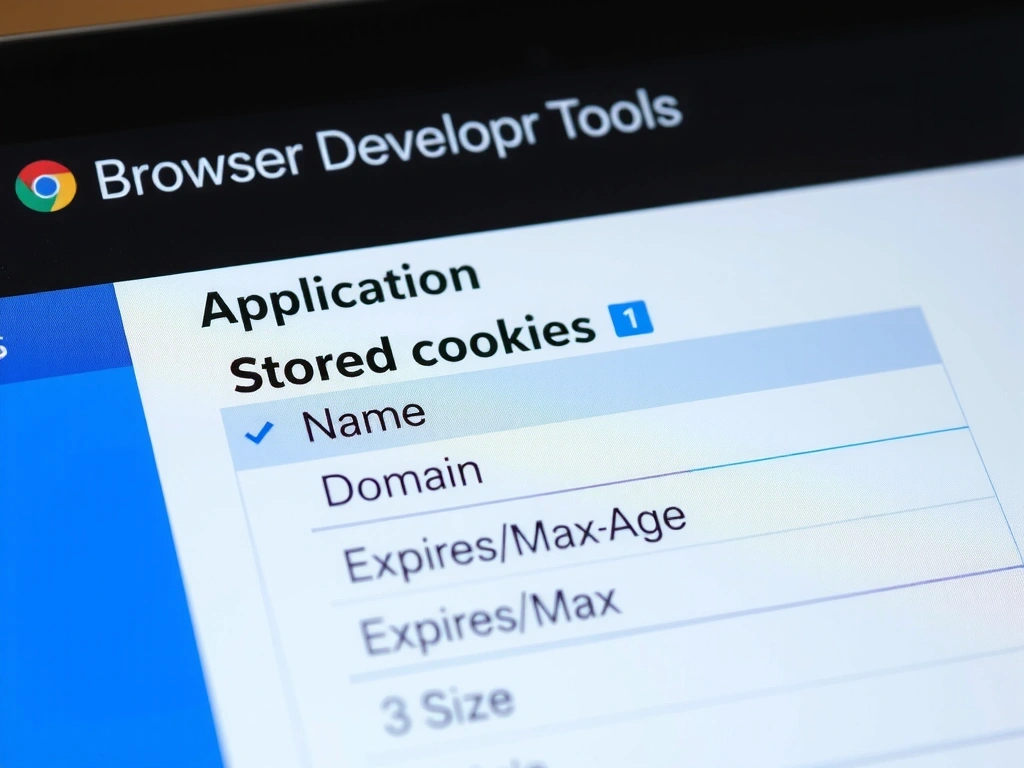
Example: Cookie storage in a browser's developer tools panel.
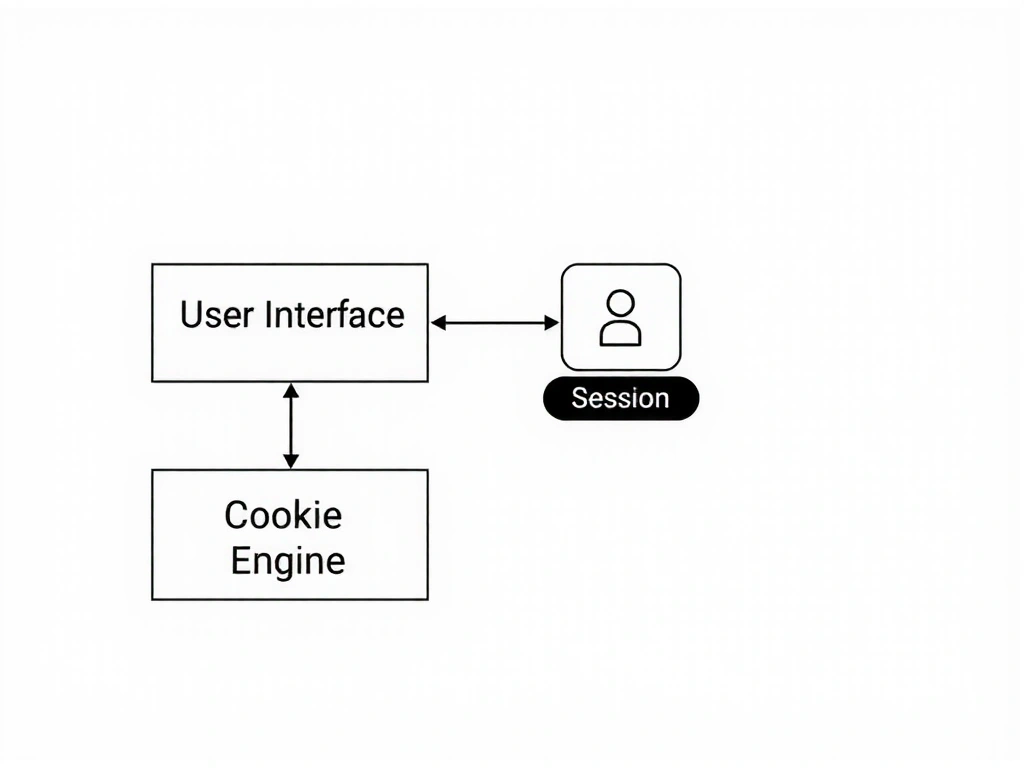
Cookies are not an arbitrary choice; they are the simplest, most secure mechanism for state management in a browser-based tool. Here’s the engineering rationale.
Video processing is stateful. When you initiate a 4K download, the server needs to track your session's progress, queue position, and file chunks. A session cookie provides this lightweight state without requiring you to create an account. It’s deleted when you close the tab.
A persistent cookie for 'video format preference' means your interface renders buttons and options for MP4 by default. This prevents repetitive user selections across sessions, reducing friction. It’s a performance optimization for you, not surveillance for us.
Strictly necessary cookies (like CSRF tokens) are embedded in the page. They verify that a download request genuinely came from the Ultra4K Downloader interface and not a malicious script. This is a standard security practice for any web application handling file operations.
We do not use cookies for: Retargeting ads across the web, selling data to data brokers, creating user profiles for sale, or tracking you on other sites after you leave. Our cookie use is confined to the technical operations of ultra4kdownloader.world.
We use essential third-party services. Any cookies they set are governed by our strict limitations.
For subscription management (e.g., Stripe). Cookies may be set to process your payment securely. We do not store your financial data; the processor handles it. Their cookie policy is independent but their use is necessary for the pricing page.
Some tutorial pages may embed videos from YouTube or Vimeo. These platforms set their own cookies. We do not control these cookies and you are subject to their policies when viewing embedded content.
We use a privacy-focused analytics tool (e.g., Fathom, Plausible). It collects aggregated data about browser types, page views, and download initiations. It cannot identify you as an individual and does not share data for advertising.
We do not use Facebook Pixel, Google Ads, or any social media tracking pixels on our site. No cookies are set for social media retargeting or conversion tracking.
Every cookie used on Ultra4K Downloader is vetted against a simple, three-question framework during development:
This framework ensures our cookie architecture remains lean, secure, and aligned with the tool's utility-first design philosophy.
You are in full control of the cookies on your device. Your consent is recorded as a setting that we cannot override.
Our custom plugin manages your preference. You can accept all, reject non-essential, or customize. Your choice persists for the life of your browser unless cleared.
You can block or delete cookies via your browser's settings (e.g., Chrome Settings > Privacy and security > Cookies and other site data). Note: Blocking strictly necessary cookies may break core functionality.
Questions about your data? Contact our privacy officer at [email protected]. We aim to respond within 72 hours.
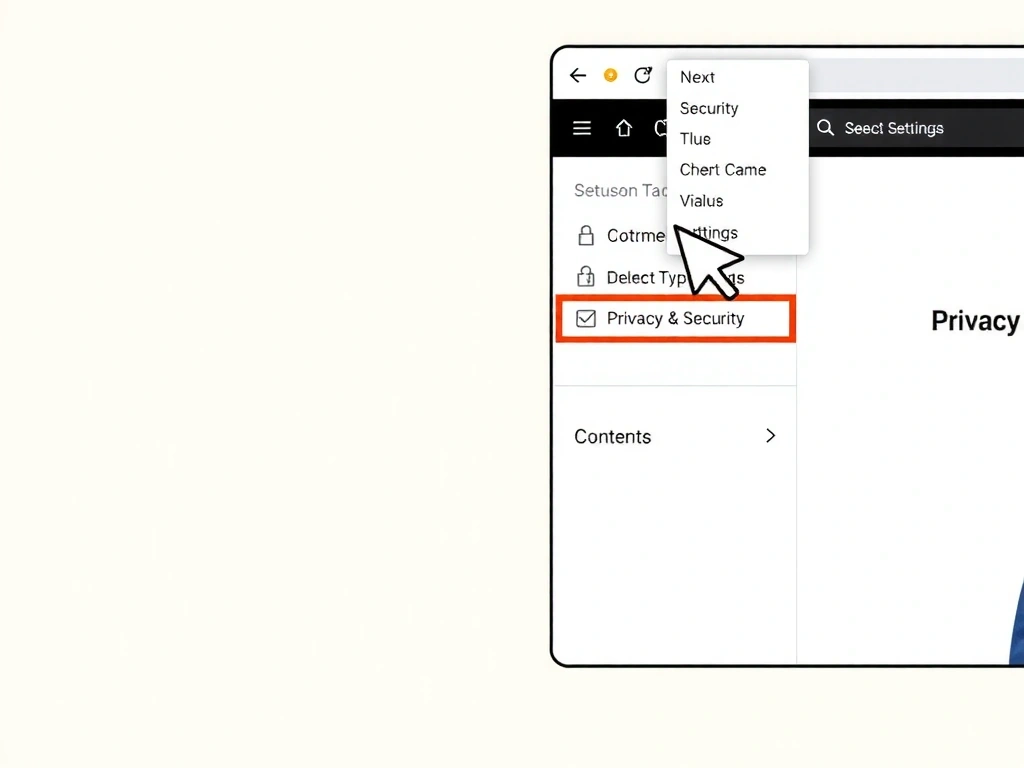
You manage privacy at the browser level.
Our support team is available to clarify any policy details.