
URL Not Detected
Ensure the page is publicly accessible (not behind a paywall or login). Try clicking the 'Reload Page' button in the app after copying the URL. For complex sites, paste the URL directly into the input field.
We built Ultra4K Downloader for professionals who need pristine quality, fast. This FAQ cuts through the noise—find precise answers to technical queries, performance questions, and setup hurdles below.
Not all downloads are equal. Your choice depends on the source platform, desired format, and intended use. This guide maps common scenarios to the optimal Ultra4K setting.
"The 'Correct' choice isn't always the highest bitrate. It's the one that matches your playback device and editing software."
Ultra4K Downloader is a desktop application designed to capture and preserve high-resolution video and audio streams from the web. It focuses on maintaining the original quality of the source file, supporting resolutions up to 8K where available. The tool is not a stream ripping service for DRM-protected paid content, but a professional utility for archiving your own purchased assets, capturing fair-use clips, or downloading royalty-free content for offline editing and presentation.
Yes, comprehensively. Ultra4K operates entirely on your local machine. All download requests are processed by the application on your device, not by our servers. No download logs, source URLs, or file metadata are transmitted to us. Your browsing and download history remains exclusively on your computer. We recommend reviewing our Privacy Policy for full transparency on data practices.
We support a wide array of formats to ensure flexibility. For video, common containers include MP4 (H.264/AVC, H.265/HEVC), WebM (VP9/AV1), and MKV. For audio, MP3, AAC, and FLAC (where available from the source) are standard. The application intelligently detects the available streams from the source and presents you with a clear choice, prioritizing the original quality and codecs used in the source file.
Download the installer for your OS (Windows/macOS). Run the .exe/.dmg, follow the brief wizard, and launch the application. A system-level component may request permissions to monitor clipboard events—this is for the convenient "copy URL" feature and is required for the core functionality.
Navigate to the video or audio page in your browser. Copy the full URL from the address bar. The app automatically detects the clipboard change and populates the download field. Alternatively, click the "+" button in the Ultra4K interface and paste the URL manually.
The app parses the page and displays available formats (e.g., "4K MP4", "1080p WebM", "Audio MP3"). Choose your preferred option, set your destination folder, and click 'Download'. The process begins immediately, with real-time speed and estimated time remaining shown.
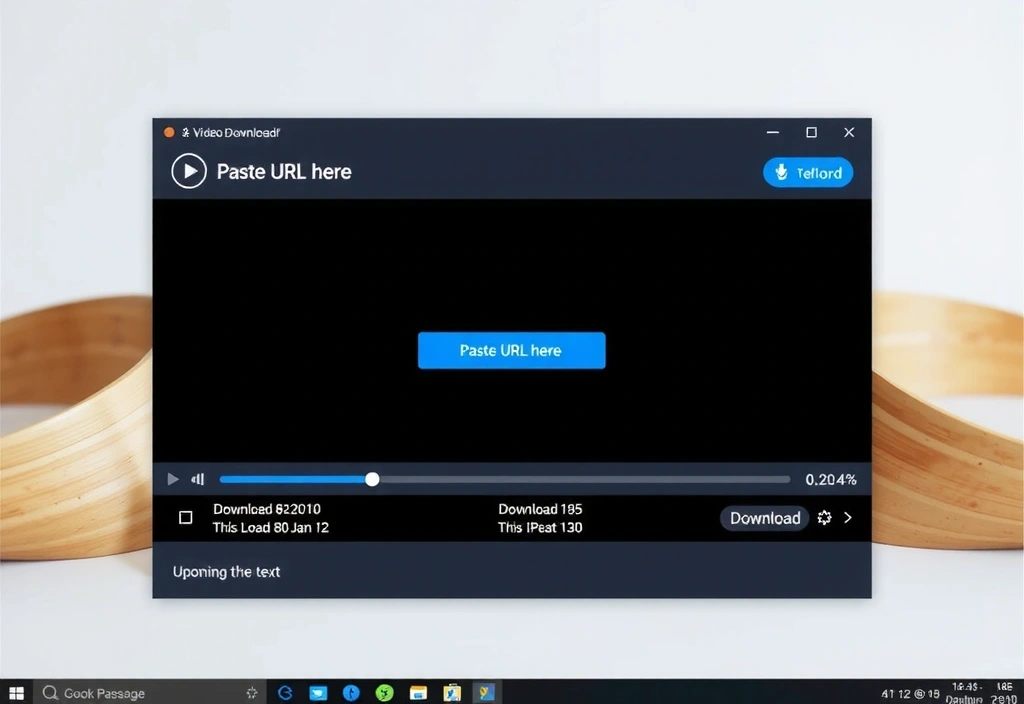
The promise of "4K" is meaningless without the infrastructure to deliver it. Ultra4K is built on a multi-threaded engine that prioritizes two things: bitrate integrity and container stability.
When sourcing footage, you need to trust the file. A download that subtly re-encodes (downgrades) video on the fly can introduce compression artifacts that only appear after color grading. Our "Quality-Preserving" mode refuses to re-encode, outputting the original stream's data untouched. This means slightly larger files, but guaranteed editing fidelity.
Utilizes all CPU cores for parallel segment downloading, maximizing bandwidth without bottlenecking your system.
Outputs the original video/audio streams. If a 4K source uses a modern codec, you get that exact codec file.
Intelligently identifies the highest quality stream available on the page, filtering out low-bitrate mobile versions.
Ensure the page is publicly accessible (not behind a paywall or login). Try clicking the 'Reload Page' button in the app after copying the URL. For complex sites, paste the URL directly into the input field.
This is typically a network timeout on the final metadata fetch. Cancel the download, re-paste the URL, and select 'Resume/Continue' from the context menu on the task if the option appears.
Not all sites provide every format. If your desired format (e.g., 8K or a specific audio codec) is missing, it's not supported by the source. Check the 'Info' tab in the app for the detected streams.
We evaluate our tool against a risk matrix prioritizing stability (does it fail gracefully?), compatibility (does it work with the latest site changes?), and user agency (does the user understand the choice?). Our monthly update cycle addresses the first two; this FAQ and our documentation address the third. We do not promise 100% compatibility with every website iteration, as the web is dynamic, but we commit to rapid response and transparent communication through our support channels.
Your license is tied to your account, not your device. Move your downloads folder to a new machine, log in, and you're set. We provide major updates for the lifetime of your subscription, with security patches released as needed.
"We focus on making the tool work for you, not the other way around. If you hit a wall, so do we. That's our policy."
Still have a question? We're here to help.